AI background generator for product photos
Place your product in a realistic new scene: a marble countertop, a linen flat lay, a boutique rack or golden-hour light, with shadows and lighting that match.
Try it free, no signup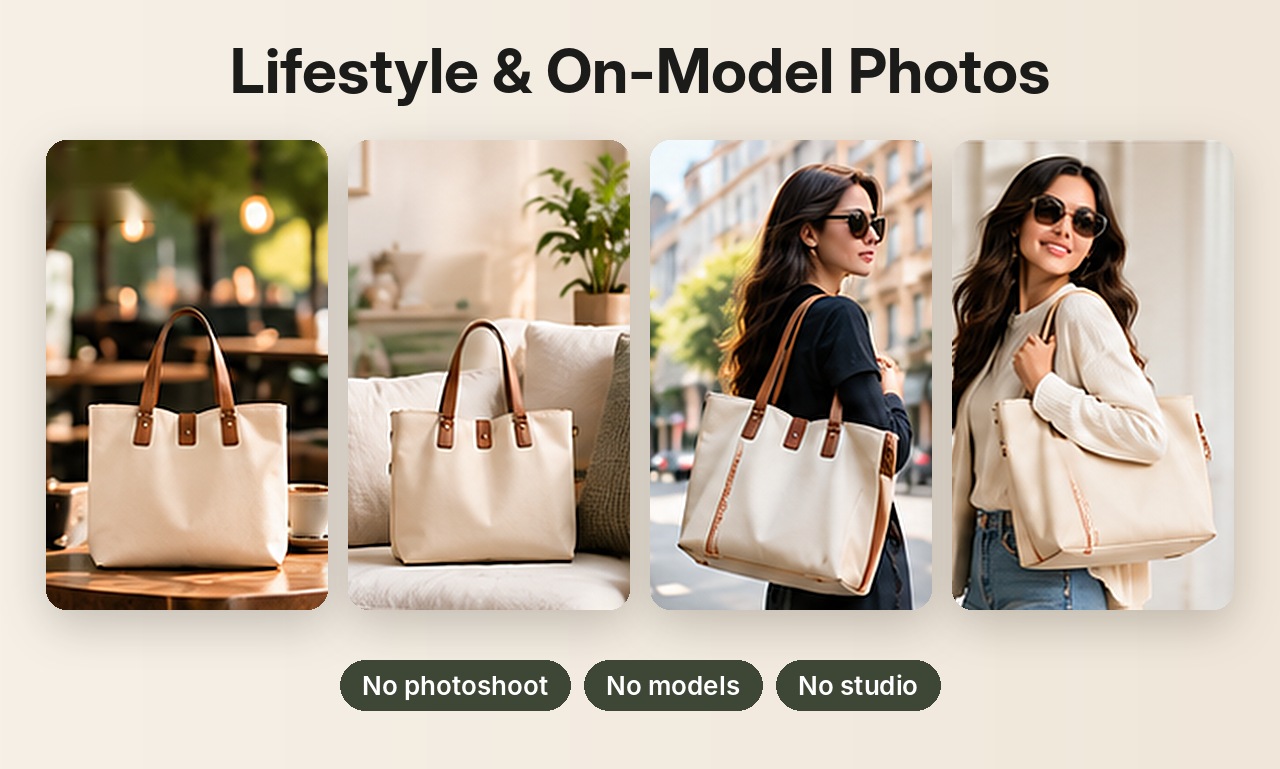
Not a pasted backdrop
Simple background tools paste your product onto a stock photo, which often looks flat and fake. An AI background generator creates the whole scene around your product, so the light direction, shadows, reflections and perspective match, and it looks like a real photoshoot.
Backgrounds you can generate
| Style | Examples |
|---|---|
| Studio | White studio, light grey studio, pastel backdrop, dark moody |
| Home and lifestyle | Marble countertop, oak table, linen bed, wooden floor, cozy bedroom |
| Retail | Boutique rack, shop window, minimal wall hook |
| Outdoor | Concrete wall at golden hour, city street, park, beach, snowy bench |
| Luxury | Black velvet, dark slate, marble with gold accents |
Can't find the scene you want? Describe your own in plain words, for example "on a red brick wall, dramatic side light".
How to use it
- Upload one photo of your product.
- Pick one or more backgrounds, or type your own.
- Download HD images, square or portrait.
Selling jewelry? See AI jewelry product photos for on-model and white background shots of rings, earrings and necklaces. Related guides: removing backgrounds from product photos and AI product photography.
Try it on your own product
Upload one phone photo and get HD product photos in seconds. Try it without an account, then sign up free for 3 HD photos every day.
Try it freeQuestions
How is this different from removing the background?
Removing the background gives you a plain color behind the product. The AI background generator creates a full realistic scene around it.
Can I describe my own background?
Yes. Product Photos accepts a custom scene description in plain words.
Will the product stay the same?
Plain products stay very close to the original. Fine logos or prints can shift slightly, so review each image.