Remove the background from your product photos
Remove a messy background and replace it with clean white or any color, while your product stays pixel-for-pixel the same. No editing skills needed.
Try it free, no signup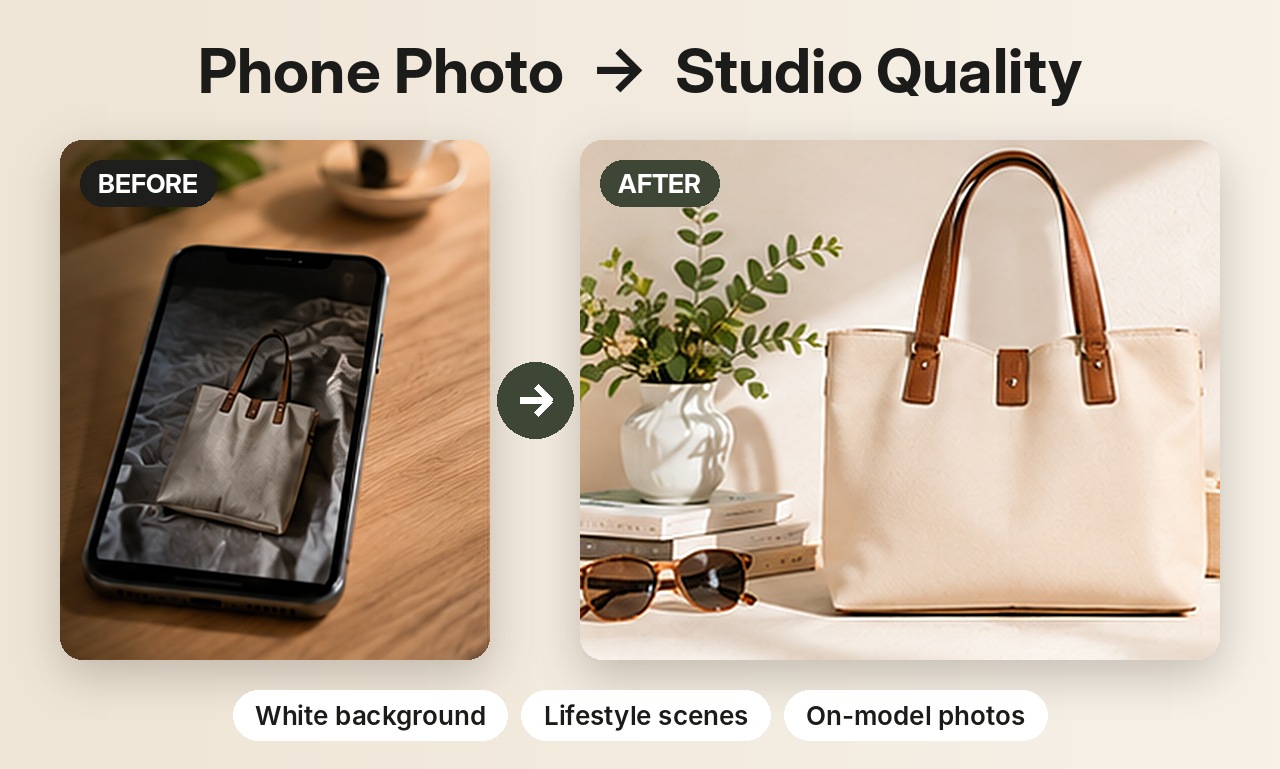
Why not just use AI to redraw it?
Full AI generation redraws the whole image, which is great for creative scenes but can slightly change a logo, label or print. When accuracy matters, for example a brand logo or a marketplace main image, you want the product left completely untouched.
How Background Swap works
- Your product is cut out of the original photo automatically.
- It's placed, unchanged, onto the new background colour you choose.
- A soft shadow is added underneath so it looks grounded, not pasted.
Because nothing about the product is regenerated, its shape, colour, logo and details stay exactly as you photographed them.
Background options
- Pure white for Amazon and other marketplace main images.
- Soft colours: beige, pastel pink, pastel blue, sage green, soft yellow.
- Dark tones: black, charcoal and navy for a premium look.
- Any colour you type as a hex code, to match your brand.
Tips for a clean cut-out
- Photograph the product against a background with some contrast.
- Keep the whole product in frame, with a little space around it.
- Very fine edges such as fur or hair may show a slight fringe. Check the result.
Selling jewelry? See AI jewelry product photos for on-model and white background shots of rings, earrings and necklaces. Related guides: white background product photos and the AI background generator.
Try it on your own product
Upload one phone photo and get HD product photos in seconds. Try it without an account, then sign up free for 3 HD photos every day.
Try it freeQuestions
Does Background Swap use AI to redraw my product?
No. The product is cut out and placed back unchanged. Only the background and a soft shadow are new.
Can I get a pure white background for Amazon?
Yes, choose white. It's the standard background for marketplace main images.
Is it free?
Each swap uses one of your free daily images, then one credit after that.