White background product photos, from any phone photo
Marketplaces and online stores expect a clean white background. Upload a photo taken anywhere and get a crisp white-background product shot in seconds.
Try it free, no signup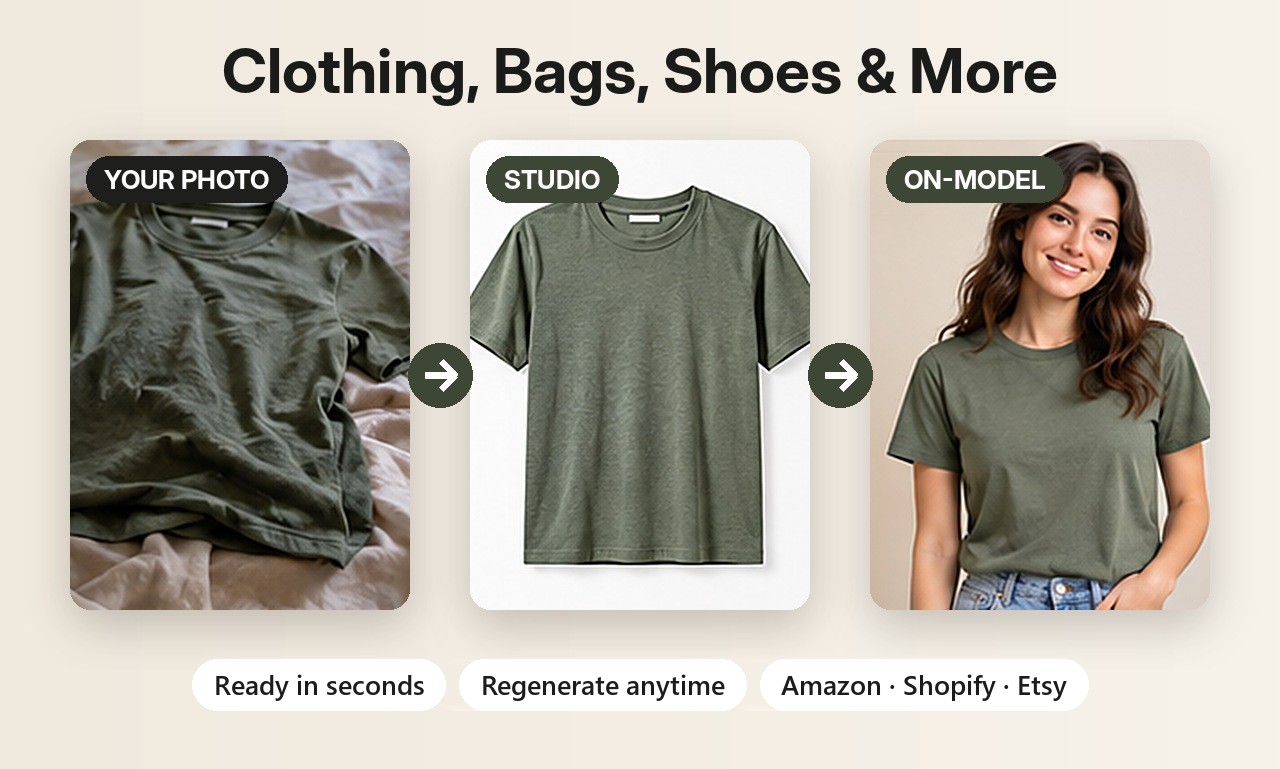
Why white backgrounds sell
A plain white background keeps the buyer's eye on the product, looks consistent across a whole catalog, and matches what big marketplaces show. Amazon requires it for main images, and many Shopify and eBay stores use it because it looks clean and trustworthy.
Two ways to get a white background
- Background Swap removes your original background and places the product on pure white without redrawing it. Your product stays exactly as photographed. Best when the details must match.
- Clean white studio scene generates a polished studio photo with soft shadows and even lighting. Great when your original photo has poor lighting. Check the result, since AI redraws the scene.
Tips for a clean result
- Shoot in daylight, with the whole product in frame.
- Any background works, but some contrast with the product gives the cleanest cut-out.
- Use square format for marketplace main images and grids.
More than white
Need a brand look instead? Choose light grey, beige, pastels, black or any hex color, or switch to lifestyle scenes for the rest of your listing.
Selling jewelry? See AI jewelry product photos for on-model and white background shots of rings, earrings and necklaces. Related guides: Amazon product photos and removing backgrounds from product photos.
Try it on your own product
Upload one phone photo and get HD product photos in seconds. Try it without an account, then sign up free for 3 HD photos every day.
Try it freeQuestions
Is the white background pure white?
Yes. Background Swap uses pure white (RGB 255, 255, 255) with a soft shadow under the product.
Will my product change?
Not with Background Swap: the product is cut out and placed back unchanged. The studio scene option redraws the image, so review it.
Is it free?
Try it without an account, then sign up free for 3 HD photos every day.