AI jewelry product photography from your phone
Jewelry is small, shiny and hard to photograph. Turn a phone photo of a ring, necklace or earrings into sparkling studio, flat lay and on-model shots.
Try it free, no signup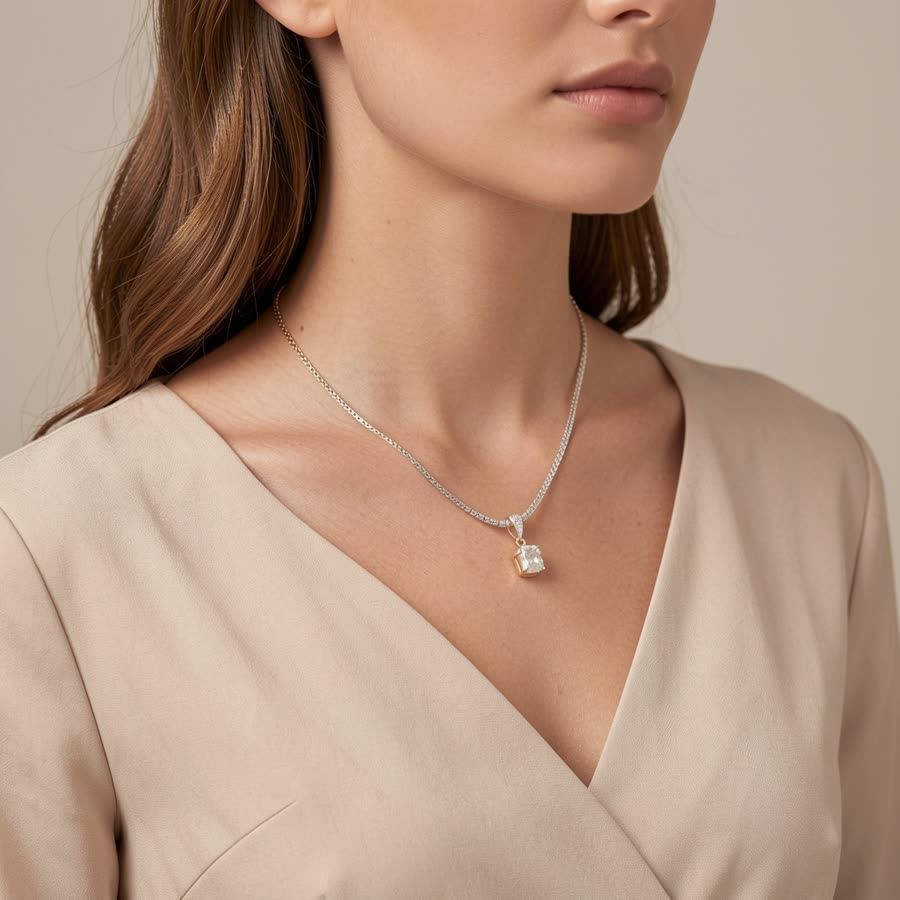
Why jewelry is hard to shoot
Reflective metal and stones pick up every light and reflection in the room, and small pieces need macro detail to look their best. Professional jewelry photography uses special lighting setups that most small sellers don't have.
Jewelry shots you can create
- Macro on black velvet with focused lighting that makes metal and stones sparkle.
- Macro on white for a clean marketplace image.
- Ring box and jewelry stand displays.
- Marble and gold flat lays for a luxury look.
- On-model shots on the neck, ear, wrist and hand.
Tips for the best results
- Photograph the piece close up, in soft daylight, on a plain surface.
- Describe the metal and stones, for example "18k gold plated chain necklace with a clear crystal pendant".
- Stick to one or two finishes at a time for the sharpest results.
Fine details like stone settings and engravings can shift slightly when AI redraws a scene. For an exact match, use Background Swap, which keeps the piece unchanged and only replaces the background.
Selling jewelry? See AI jewelry product photos for on-model and white background shots of rings, earrings and necklaces. Related guides: AI fashion models and Etsy product photos.
Try it on your own product
Upload one phone photo and get HD product photos in seconds. Try it without an account, then sign up free for 3 HD photos every day.
Try it freeQuestions
Can AI photograph small jewelry well?
Yes for most rings, necklaces and earrings. Review fine details like stone settings, which can shift slightly.
Can I show jewelry on a model?
Yes. Choose on-model shots on the neck, ear, wrist or hand.
What background is best for jewelry?
White for marketplace main images, and black velvet or marble for a luxury look.