Professional product photos for your Shopify store
A Shopify store lives or dies on how it looks. Turn phone photos into a matching set of studio and lifestyle images so every product page feels like one brand.
Try it free, no signup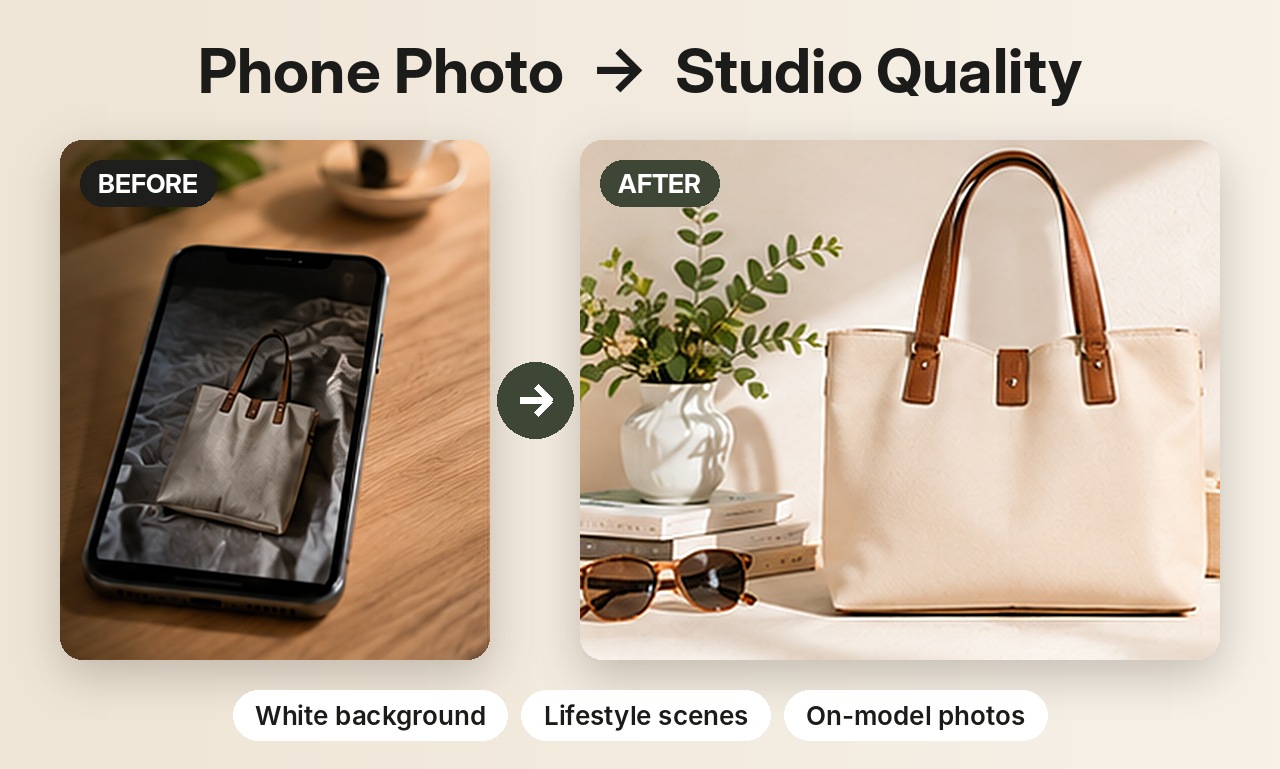
Consistency is what makes a store look premium
When every product is shot in a different room with different light, a store looks like a garage sale. When every product sits on the same backdrop with the same lighting, it looks like a brand. AI makes that consistency easy: pick one scene and apply it to your whole catalogue.
What to make for each product page
- A clean hero image on white or light grey for collection pages.
- Two or three lifestyle images that show the product in context.
- A detail close-up of material and finish.
- On-model shots if you sell clothing, shoes or jewelry.
Built for batches
Selling many products? Upload several at once in Product Photos, choose the scenes, and download every combination as a ZIP file. Photo Pack makes a whole gallery for one product in a single click.
Use them beyond your store
The same images work for Instagram posts, Facebook ads, email campaigns and Google Shopping, so one phone photo can feed your whole marketing.
Selling jewelry? See AI jewelry product photos for on-model and white background shots of rings, earrings and necklaces. Related guides: Etsy product photos and AI product photography.
Try it on your own product
Upload one phone photo and get HD product photos in seconds. Try it without an account, then sign up free for 3 HD photos every day.
Try it freeQuestions
Which image sizes work for Shopify?
Square (1:1) images keep collection grids neat. ShotKart offers square and portrait (4:5) in HD.
Can I keep the same background across all products?
Yes. Choose the same scene for every product to give your store a consistent look.
Do I need a subscription?
No. You get free HD photos every day, then pay-as-you-go credits if you need more.