Free AI product image generator for online sellers
Most AI image generators make pictures from scratch. ShotKart starts from a photo of your real product, so the images show the item you actually sell.
Try it free, no signup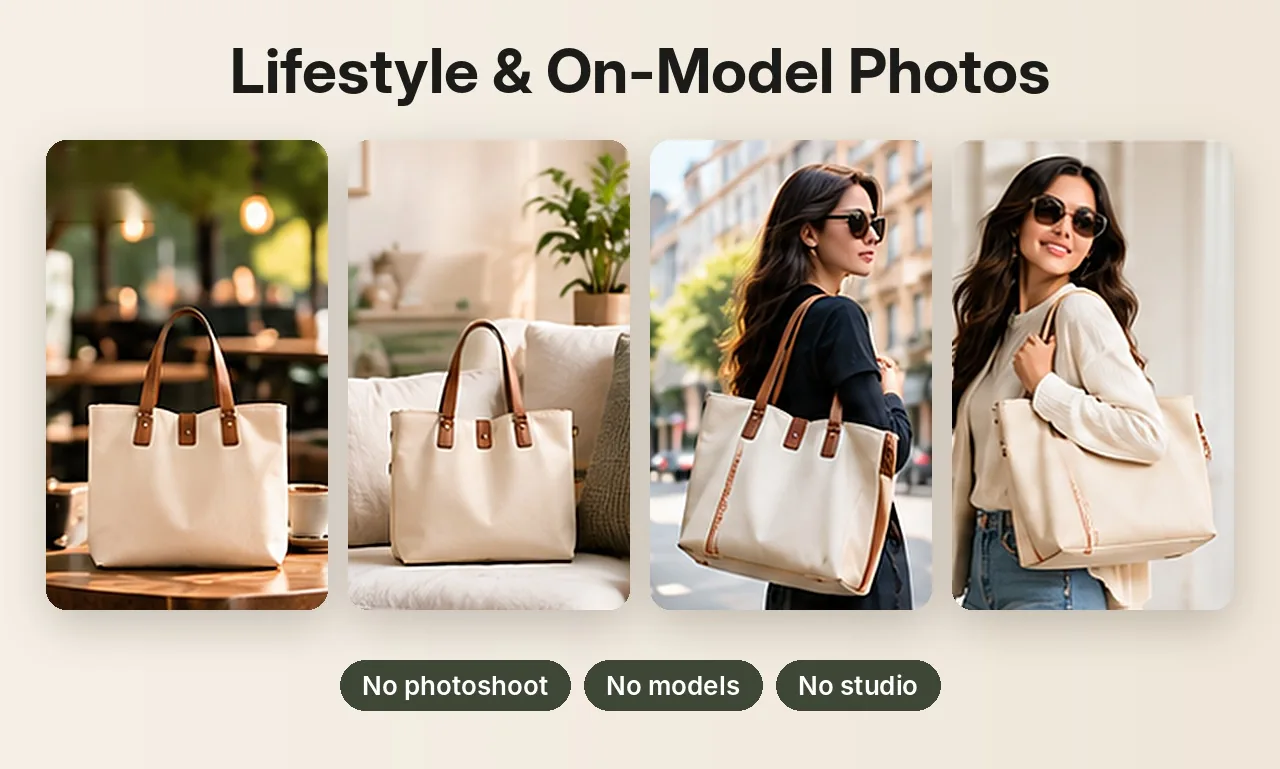
Why sellers need a product image generator, not just an image generator
A general AI image generator can draw a beautiful handbag, but it won't be your handbag. The stitching, the hardware and the exact colour come out different, and buyers notice when the item that arrives doesn't match the listing. For a store, the product in the picture has to be the product in the box.
ShotKart works the other way round. You upload a photo of your product, it isolates the item, and the AI builds the scene around it: the surface, the lighting, the shadows, or a model wearing it.
Four tools in one place
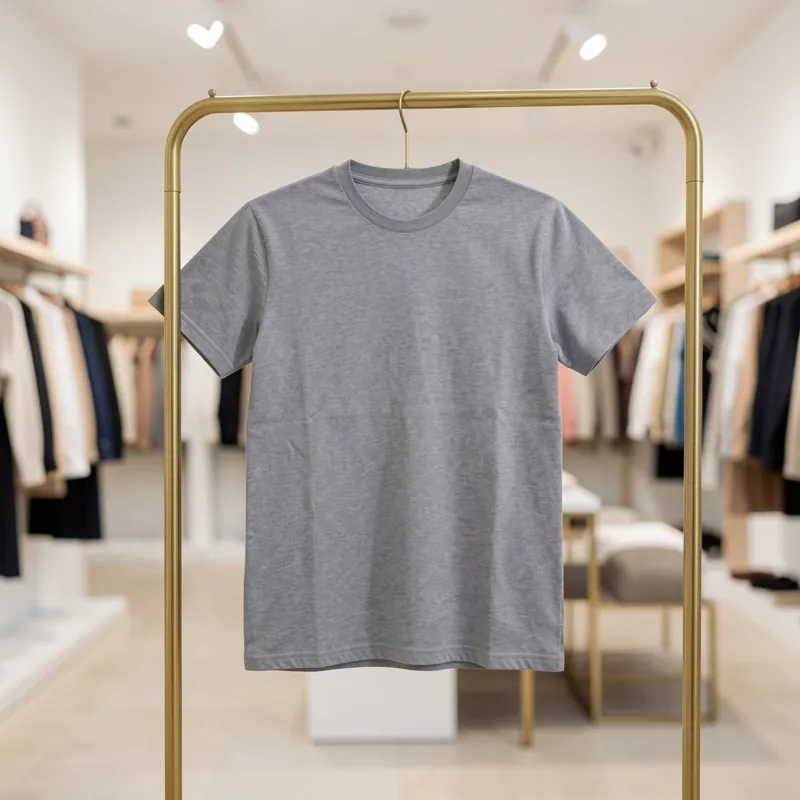
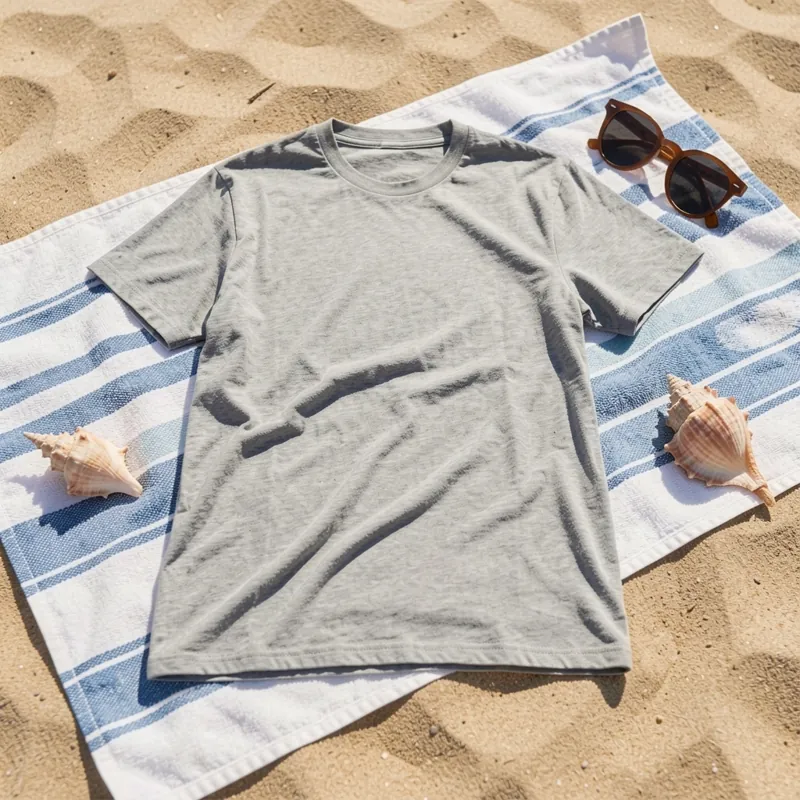
- Product Photos: pick scenes like a clean white studio, a marble countertop, a boutique rack or a beach flat lay, or describe your own scene.
- Photo Pack: a full listing gallery from one photo, including on-model shots with a female or male model, downloaded together as a ZIP.
- Background Swap: replaces only the background with white or any colour and keeps your product pixel for pixel.
- Generate: a text-to-image tool for banners, social posts and ideas, made from a written prompt.
How to generate product images
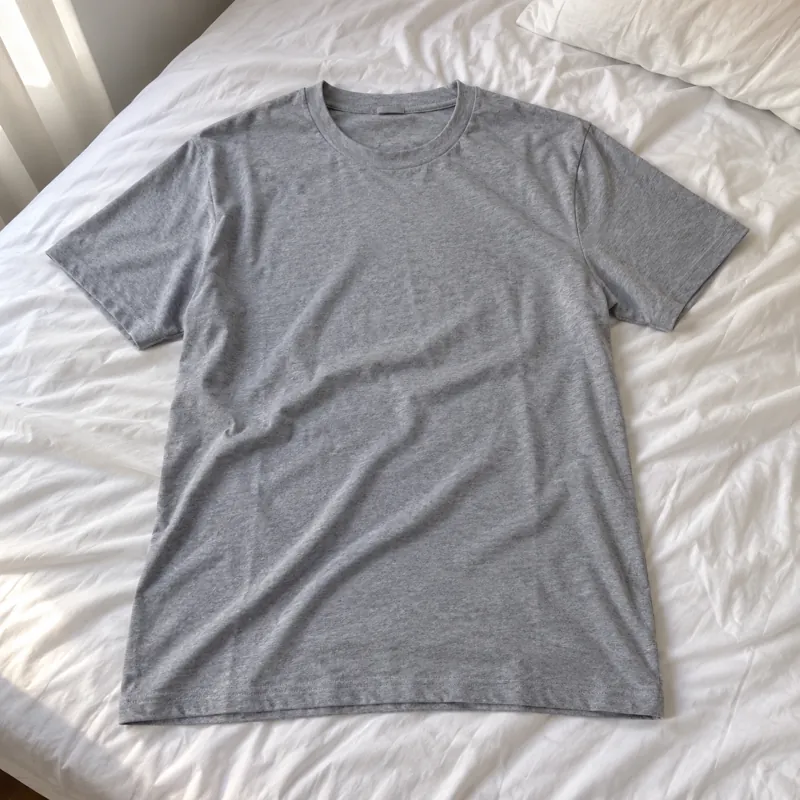
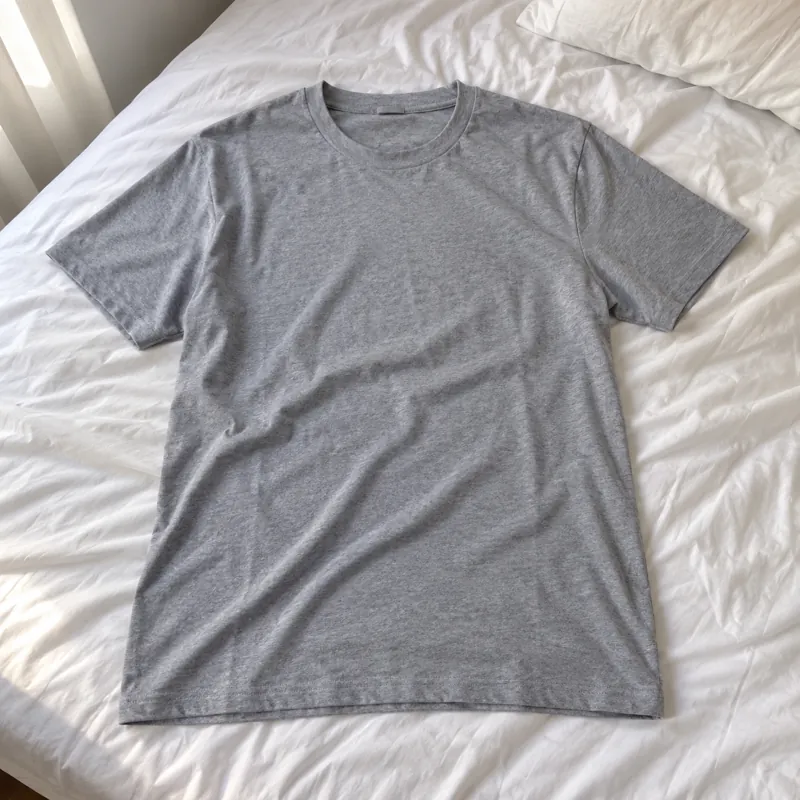
- Upload one photo of your product, taken on your phone in daylight. A bed, floor or table in the background is fine.
- Choose the product type and scenes. Categories include t-shirts, shirts, jeans, jackets, footwear, accessories and jewelry, each with its own scenes and on-model shots.
- Create and download square (1024 × 1024) or portrait (1024 × 1280) images, and regenerate any you don't like.
What's free
You can try it without an account and get a few watermarked previews. A free account gives you 3 HD photos every day without a watermark. When you need more, credit packs start at 20 photos, with no subscription and no expiry date on credits.
Getting results that match your product
- Give the product a short, specific name, such as "brown leather crossbody bag with gold buckle".
- Plain products come out closest to the original. Small logos, fine print and text can shift, because the AI redraws the scene.
- Use Background Swap when the product must stay exactly as photographed, and check every image before you list it.
Before and after
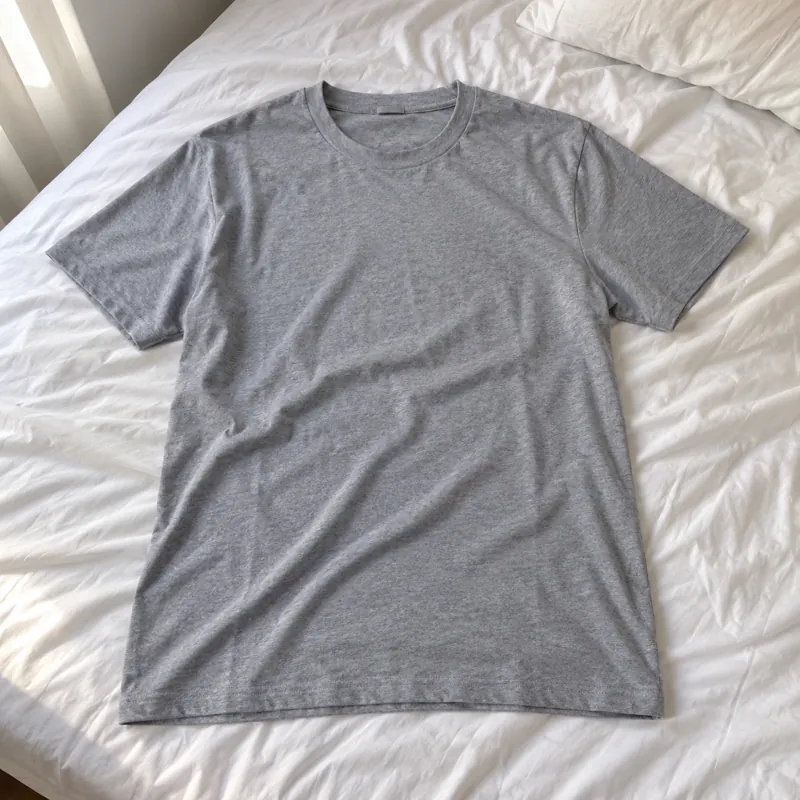
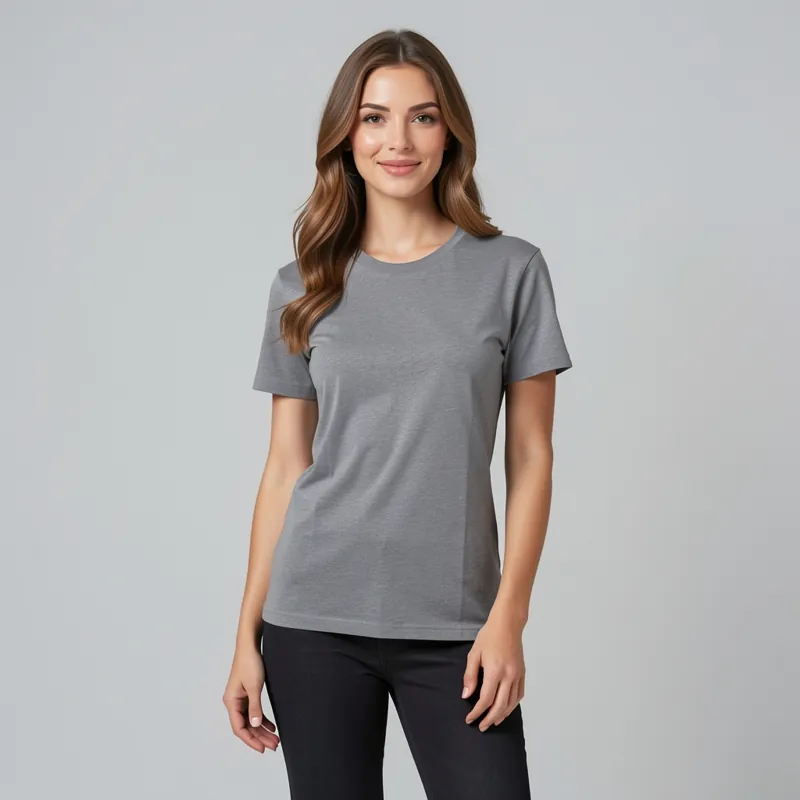
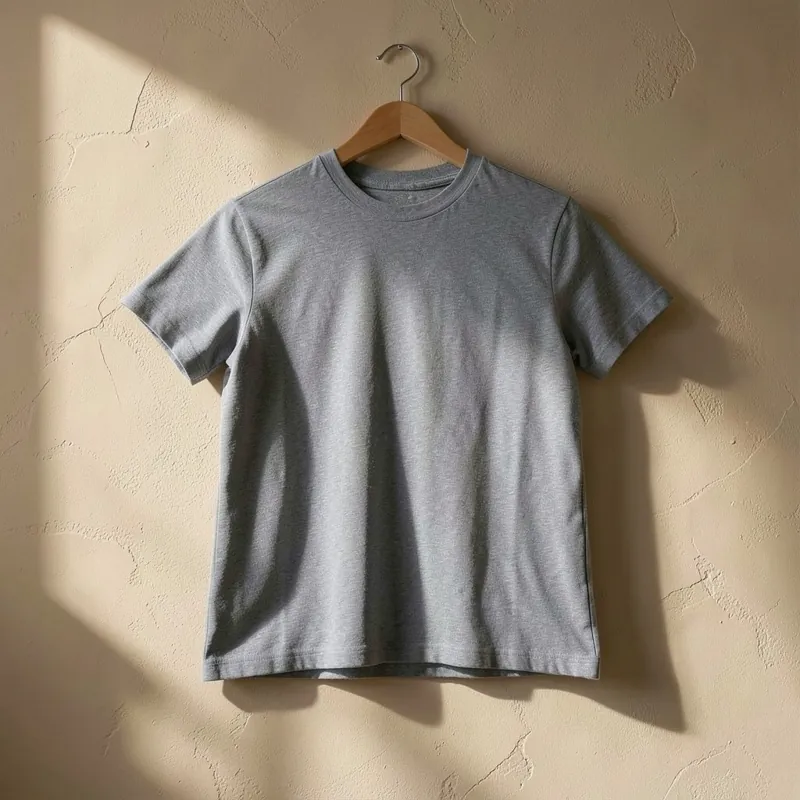
Each pair shows an everyday phone photo and the kind of product photo you can make from it.
Selling jewelry? See AI jewelry product photos for on-model and white background shots of rings, earrings and necklaces. Related guides: the free AI image generator and AI product photography.
Try it on your own product
Upload one phone photo and get HD product photos in seconds. Try it without an account, then sign up free for 3 HD photos every day.
Try it freeQuestions
Is this AI product image generator free?
Yes, to start. You can try it without an account, and a free account gets 3 HD photos every day without a watermark. Credit packs are available when you need more.
How is it different from a normal AI image generator?
It starts from a photo of your real product instead of inventing one, so the item in the image is the one you sell. Only the scene, lighting or model around it is generated.
What kinds of products does it work for?
Clothing, shoes, bags, home goods and jewelry work well. There are dedicated categories for t-shirts, shirts, jeans, jackets, footwear, accessories and jewelry.