Turn a flat lay photo into an on-model photo
Lay your garment on a bed or the floor, take one phone photo, and see it worn by an AI model in a studio, on the street or in a café.
Try it free, no signup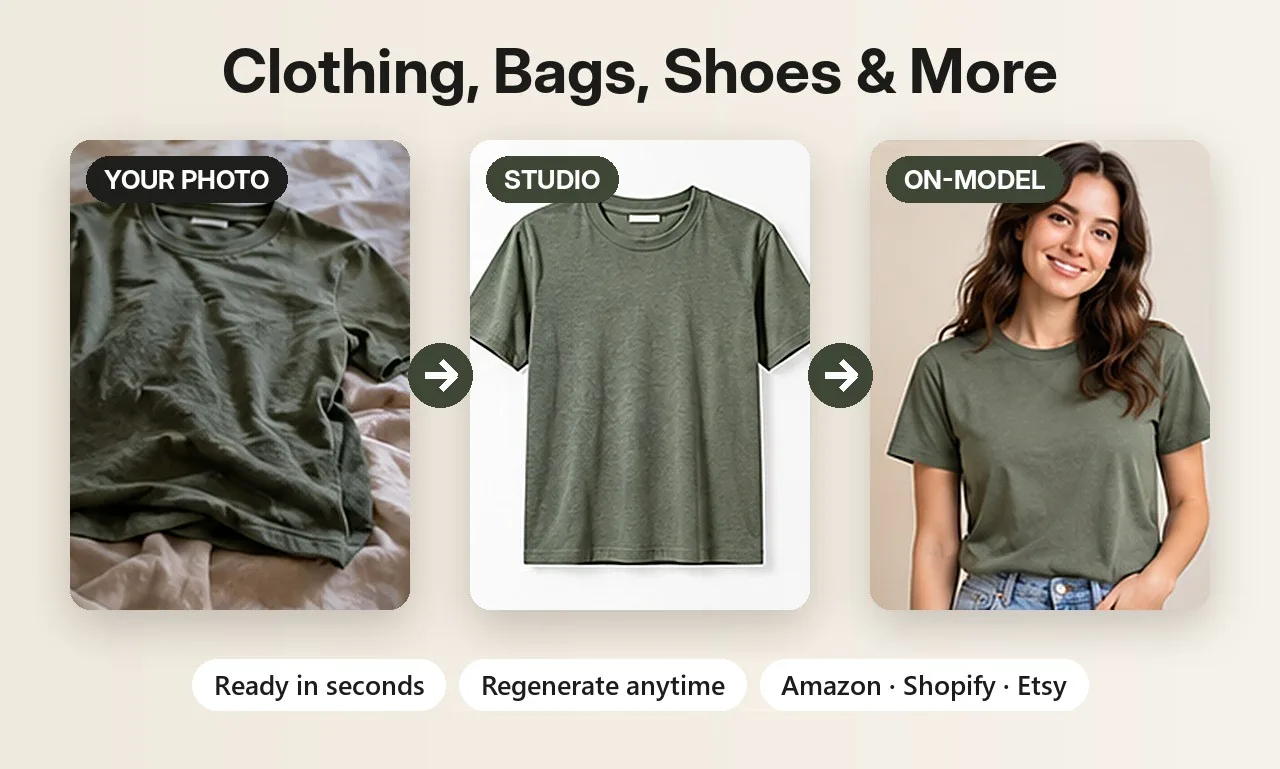
Why flat lays aren't enough on their own
A flat lay shows the colour and the print, but not how a piece hangs on a body. Shoppers want to see the length of a t-shirt, how a shirt sits on the shoulders, or where a pair of jeans ends on the leg. Without that, they guess, and guessing leads to hesitation and returns.
Booking a model for every new item is expensive and slow, especially when you add a few pieces each week. Turning the flat lay you already have into an on-model photo closes that gap without a shoot.
How flat lay to model works
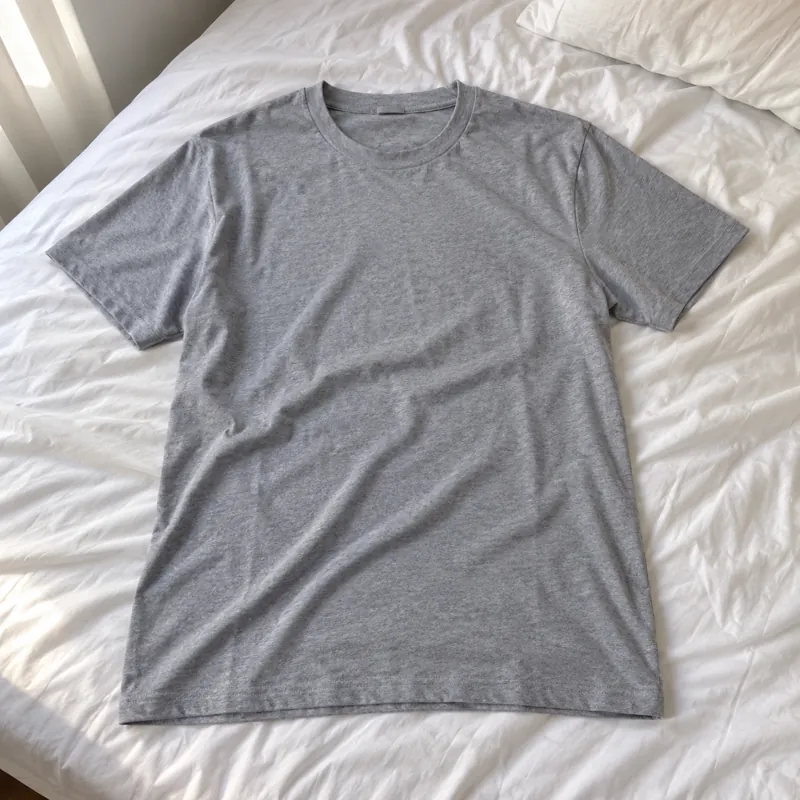
- Photograph the garment flat. Smooth out wrinkles, lay it on a plain surface and shoot from directly above in daylight.
- Pick the clothing type and the model shots. Choose T-shirt, Shirt, Jeans or Winter jacket, then select on-model shots such as Front studio, Side angle, Full length studio or Street walking.
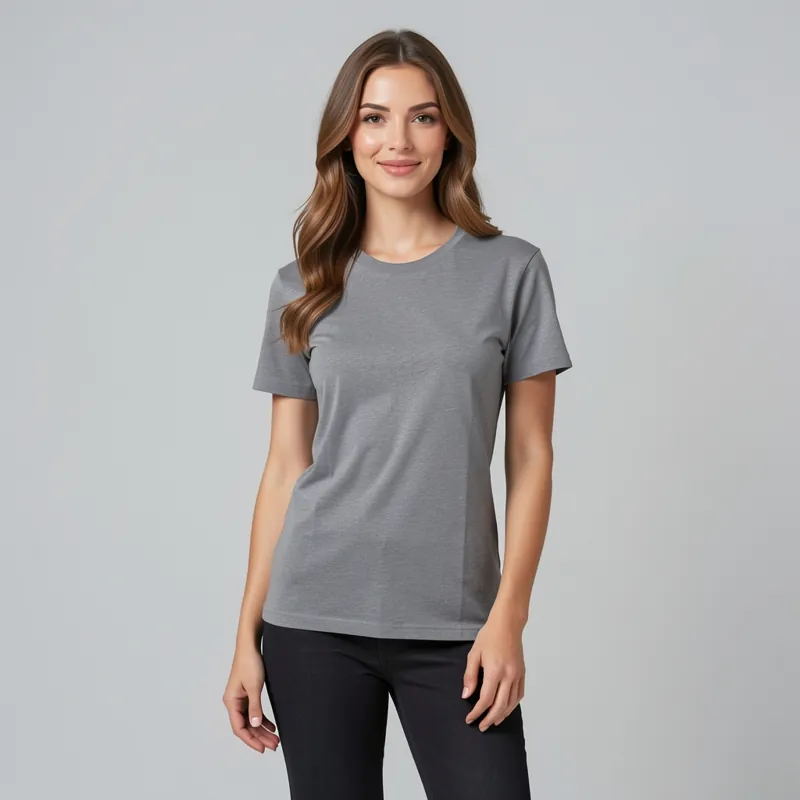
- Create and download. ShotKart isolates the garment and generates a model wearing it. Download square or portrait images, or regenerate any shot.
Clothing that works best
There are dedicated categories for t-shirts, shirts, jeans and winter jackets, each with its own on-model shots. Jeans get waist-to-feet views from the front, back and side, and jackets include a hood-up shot. Solid colours and simple graphics come out closest to the original. Busy all-over prints and small text can shift, because the AI redraws the garment on the model.
Choosing the model and the shot
In Photo Pack you can choose a female or male model, then create studio and lifestyle shots in one go. Use a plain studio shot for your main listing image and a street or café shot to show the piece in real life. The same upload also gives you product-only images, like a ghost mannequin shot or a flat lay on linen, so one photo can cover your whole gallery.
Tips for an accurate result
- Shoot the whole garment, edge to edge, with nothing covering it.
- Name the item with its visible details, for example "navy cotton crew neck t-shirt with small white chest logo".
- Check each image against the real piece before listing, and regenerate any that don't match.
Before and after
Each pair shows an everyday phone photo and the kind of product photo you can make from it.
Selling jewelry? See AI jewelry product photos for on-model and white background shots of rings, earrings and necklaces. Related guides: AI fashion models and resale clothing photos.
Try it on your own product
Upload one phone photo and get HD product photos in seconds. Try it without an account, then sign up free for 3 HD photos every day.
Try it freeQuestions
Can AI put my flat lay clothing on a model?
Yes. Upload a flat lay photo, choose your clothing type and pick on-model shots. ShotKart generates a model wearing the garment in the scene you chose.
Can I choose a male or female model?
Yes. Photo Pack lets you pick a female or male model before you create the on-model shots.
Will the print and logo stay the same?
Solid colours and simple graphics stay very close to the original. Detailed prints, small logos and text can shift slightly, so review every photo before you list it.