Remove the background from a product photo
Upload a photo taken anywhere, on a bed, a floor or a busy desk, and get your product on a clean background in seconds.
Try it free, no signup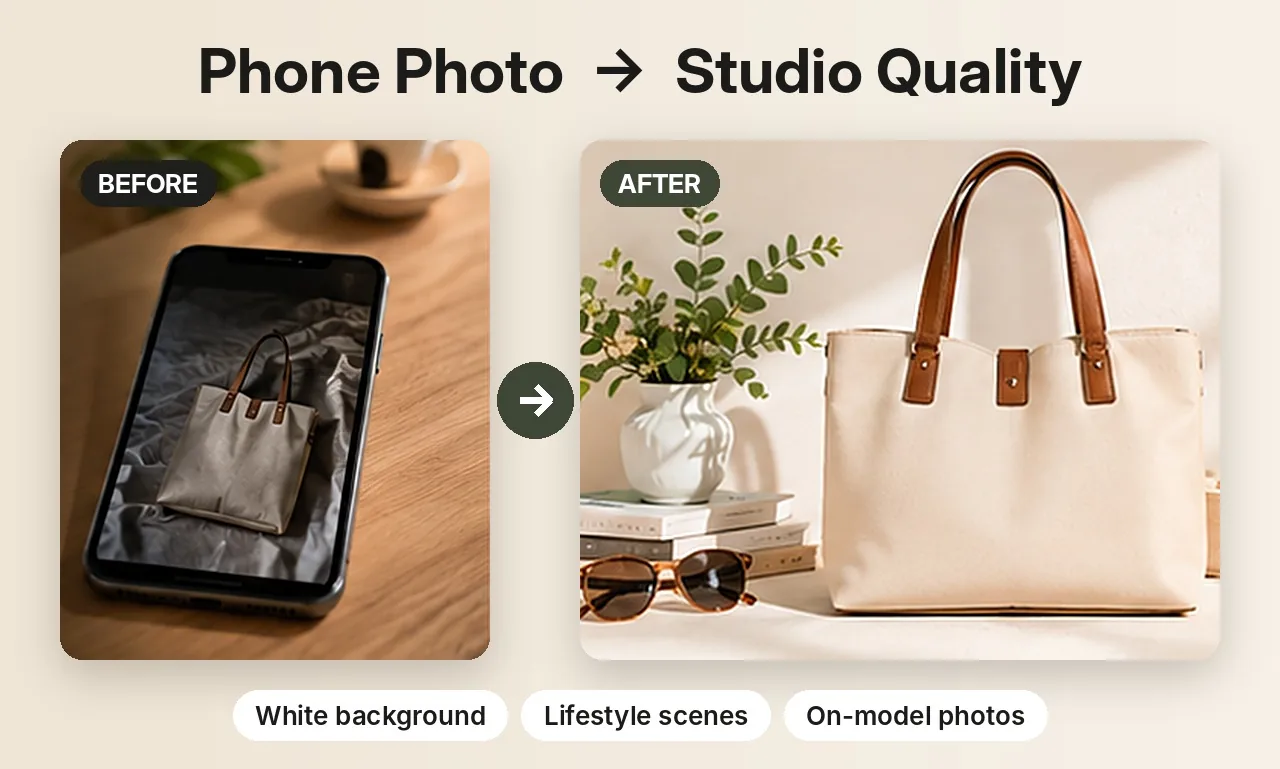
Why a clean background matters
Shoppers decide in a second whether a listing looks trustworthy. A product sitting on a crumpled bedsheet or a cluttered table looks like a quick snapshot, even when the product is great. A plain background puts all the attention on the item, makes the colour easy to judge, and makes your whole shop look consistent. Marketplaces like Amazon and Google Shopping also expect a plain background for the main image.
How to remove a background with ShotKart
- Upload your photo. Any clear photo of one product works. Shoot it in daylight with the whole item in the frame.
- Pick a background colour. Choose white, black, light grey, beige, a pastel or navy, or type any hex colour.
- Download. You get a square 1024 × 1024 image with your product centred and a soft shadow underneath.
Your product stays exactly the same
Background Swap doesn't use AI to redraw your product. It cuts the product out of your photo and pastes those same pixels onto the new background. Logos, prints, text and colours stay exactly as you photographed them, which is what you want for a listing that has to show the real item. Only the background and the shadow around the product are new.
What it works best for
- Clothing: t-shirts, shirts, jeans and jackets, laid flat or on a hanger.
- Shoes and bags photographed on the floor or a table.
- Home goods: mugs, candles, bottles and vases.
- Jewelry photographed close up on a plain surface.
It's made for product photos with one clear item. Photos with several products, or a product that blends into a background of the same colour, give rougher edges.
Tips for clean edges
- Use a surface that contrasts with the product: a dark item on a light surface, or the other way round.
- Avoid harsh shadows and flash; soft window light gives the cleanest cut-out.
- Keep a little space around the item so nothing is cut off at the edge.
Selling jewelry? See AI jewelry product photos for on-model and white background shots of rings, earrings and necklaces. Related guides: white background product photos and changing a photo's background color.
Try it on your own product
Upload one phone photo and get HD product photos in seconds. Try it without an account, then sign up free for 3 HD photos every day.
Try it freeQuestions
Is removing the background free?
You can try it without an account, and a free account gets 3 HD photos every day without a watermark. Credit packs are there if you need more.
Will the background removal change my product?
No. Background Swap keeps your product's pixels unchanged and only replaces the background, so logos, prints and colours stay exactly as photographed.
Can I get a transparent background?
Not at the moment. ShotKart places your product on a solid colour of your choice, such as pure white, which is what most marketplaces ask for.