Better resale clothing photos for Poshmark, Depop and Vinted
Secondhand listings live or die on the first photo. Turn a quick phone picture of a thrifted piece into a clean, bright image that stands out in the feed.
Try it free, no signup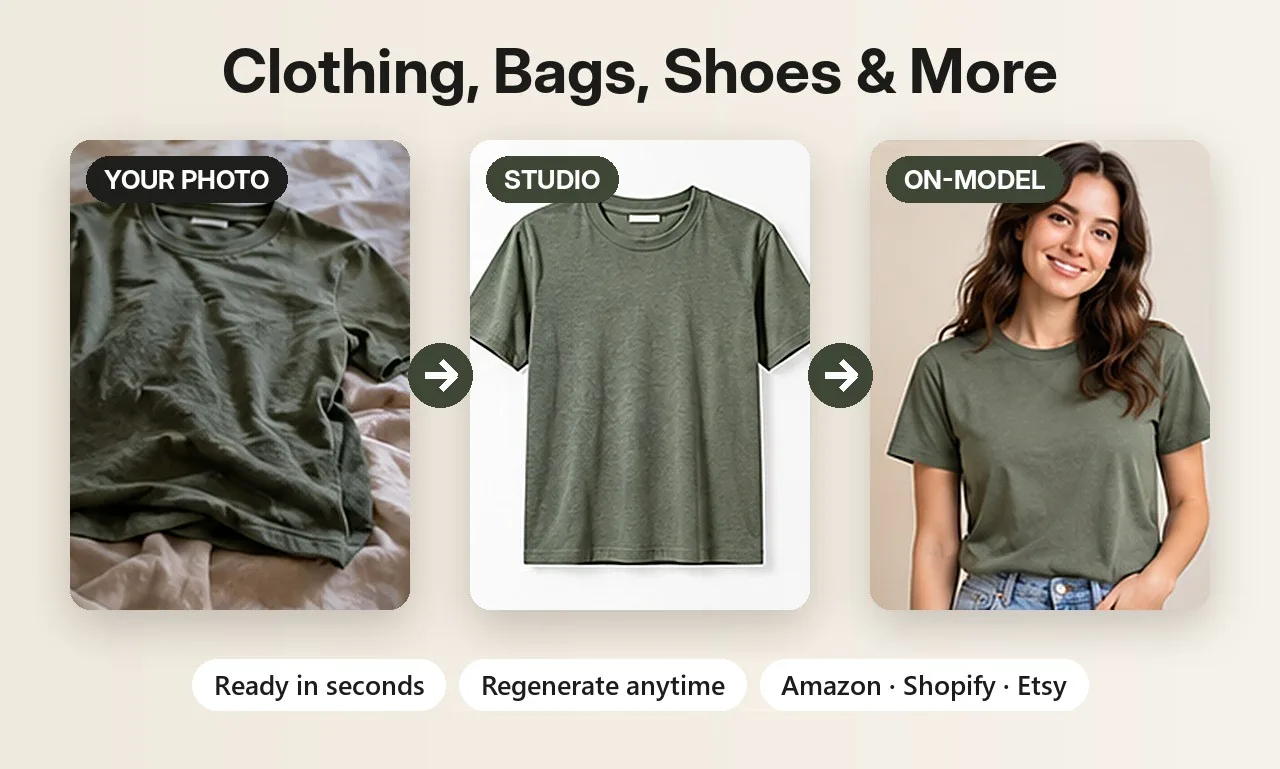
Why photos matter even more in resale
On resale apps every item is one of a kind, and buyers scroll fast. A sweater crumpled on a bedspread under a yellow lamp gets skipped, even if it's a great find. Clean, bright and consistent photos make your closet look curated and help buyers trust that the item is as described.
Keep it honest: show the real item
Resale buyers are paying for a specific used piece, so accuracy matters. Use AI to improve the presentation, never to hide wear. For your main photo, Background Swap is the safest choice: it cuts out your actual item and places it on a clean colour without redrawing it. Then add your own close-up phone photos of the tags and any marks or pilling. If you use AI on-model photos, say so in your description. Each platform has its own rules for listing photos, so check them before you post.
Shots that work for secondhand listings
- Clean background with Background Swap: pure white or any colour, with your item unchanged.
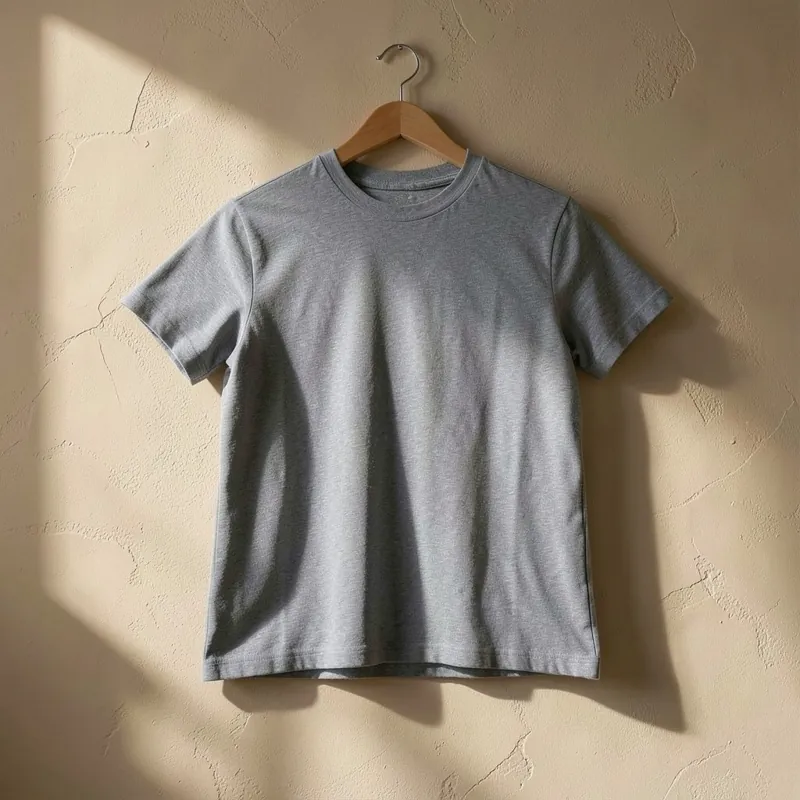
- Hanger and wall hook shots against a plaster or white wall, for a boutique feel.
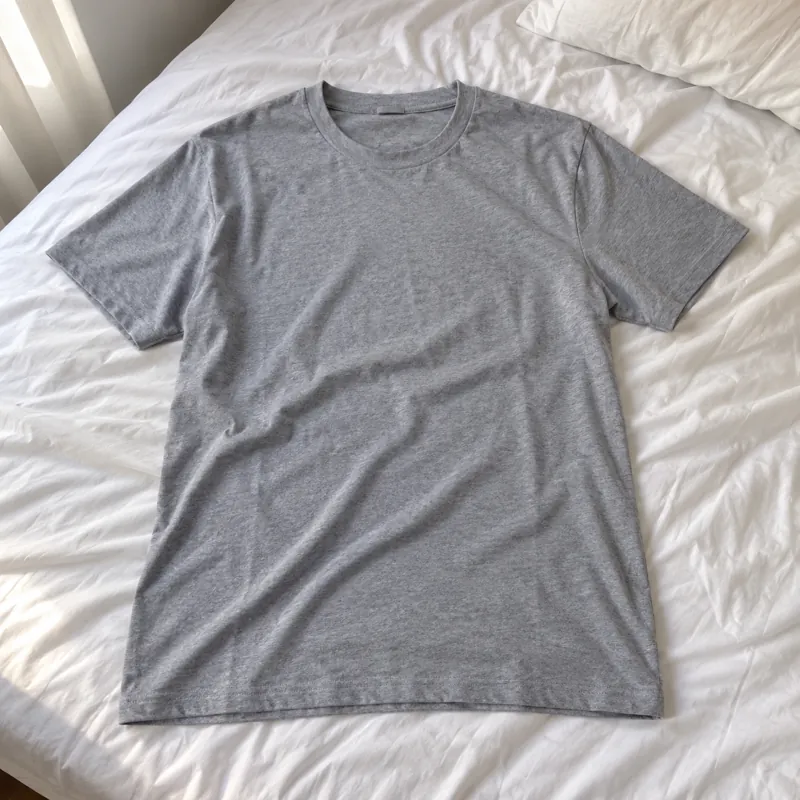
- Flat lays on white linen or a light wooden floor, shot from above.
- On-model shots for t-shirts, shirts, jeans and jackets, to show the fit.
Make your closet look consistent
Buyers often browse a seller's whole closet before they buy. Using the same background and style for every listing makes your shop look professional at a glance. Pick one look, for example a light grey studio background, and use it for every new item. Square images suit most resale feeds, and a portrait version is there when you need it.
How to shoot the original photo
- Lay or hang the item near a window in daylight, with no other clothes in the frame.
- Smooth out wrinkles and button or zip it up the way you'd sell it.
- Take extra close-ups of the brand tag, the fabric and any flaws.
Before and after
Each pair shows an everyday phone photo and the kind of product photo you can make from it.
Selling jewelry? See AI jewelry product photos for on-model and white background shots of rings, earrings and necklaces. Related guides: eBay product photos and removing backgrounds from product photos.
Try it on your own product
Upload one phone photo and get HD product photos in seconds. Try it without an account, then sign up free for 3 HD photos every day.
Try it freeQuestions
Can I use AI photos on Poshmark, Depop and Vinted?
You can use the photos you make, but resale buyers expect to see the real item. Use Background Swap for a clean main photo that keeps your item unchanged, add your own photos of tags and any flaws, and follow each platform's listing rules.
Will the AI change my item?
AI scenes and on-model shots redraw the item, so details can shift slightly. Background Swap only replaces the background and keeps your item's pixels unchanged, which is best for one-of-a-kind secondhand pieces.
What clothing types are supported?
There are dedicated categories for t-shirts, shirts, jeans, winter jackets, footwear, and accessories like bags. Results are best for items close to those types.