Change the background color of your product photos
Put your product on any solid colour, from marketplace white to a pastel that matches your brand, from one phone photo.
Try it free, no signup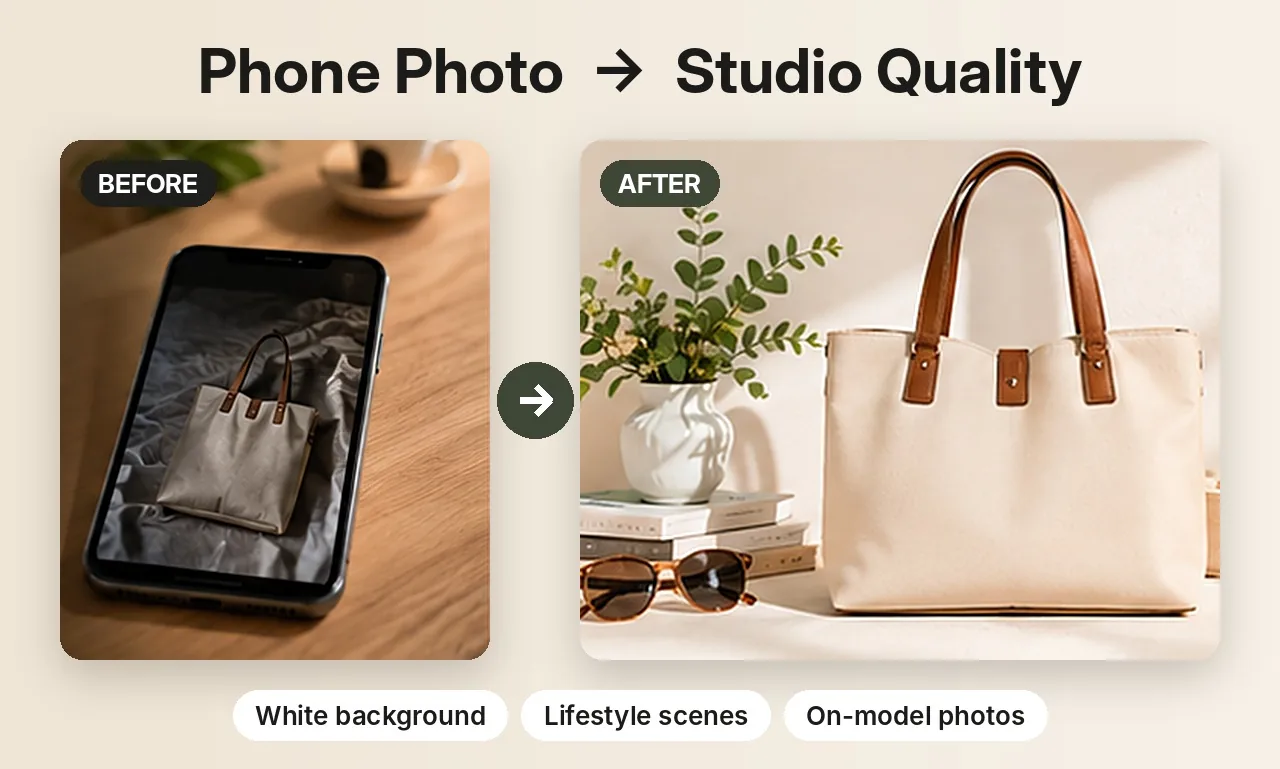
Match your photos to your brand
A consistent background colour is one of the easiest ways to make a shop look professional. When every product sits on the same soft beige or pastel blue, your collection pages look planned and your Instagram grid looks like one brand. Changing the colour by hand in an editor takes time for every photo; here it takes a click.
Colours you can choose
- White for marketplace main images.
- Black, charcoal and navy for a premium, moody look.
- Light grey and beige for a soft, neutral catalogue.
- Pastel pink, pastel blue, sage green and soft yellow for a fresh, friendly feel.
- Any hex colour, like your exact brand colour, by typing its code.
How it works
- Upload a clear photo of one product.
- Pick a colour or type a hex code.
- Download a square 1024 × 1024 image with a soft shadow under the product.
Try a few colours with the same photo and keep the one that suits the product best.
The product itself isn't changed
Only the background is replaced. Your product is cut out and kept pixel for pixel, so the colour of the item, its logo and its details stay true. That matters when buyers compare the photo with what arrives at their door.
Where to use coloured backgrounds
Use white for your main image on Amazon, eBay and Google Shopping, where a plain white background is expected. Use brand colours for your own Shopify store, Etsy secondary images, Instagram posts, Pinterest pins and ads, where a colour that stands out can stop the scroll.
Selling jewelry? See AI jewelry product photos for on-model and white background shots of rings, earrings and necklaces. Related guides: removing a photo background and Shopify product photos.
Try it on your own product
Upload one phone photo and get HD product photos in seconds. Try it without an account, then sign up free for 3 HD photos every day.
Try it freeQuestions
Can I use my exact brand color?
Yes. Type any hex colour code, for example 3a7bd5, and the background will be that exact colour.
Does changing the background color affect the product's colors?
No. Only the background is replaced; the product is kept exactly as it was in your photo.
What size is the finished photo?
Each image is 1024 × 1024 pixels, square, which works for most marketplaces and social media.