eBay product photos from your phone
Give your eBay listings a clean, professional gallery image without a lightbox or a photographer.
Try it free, no signup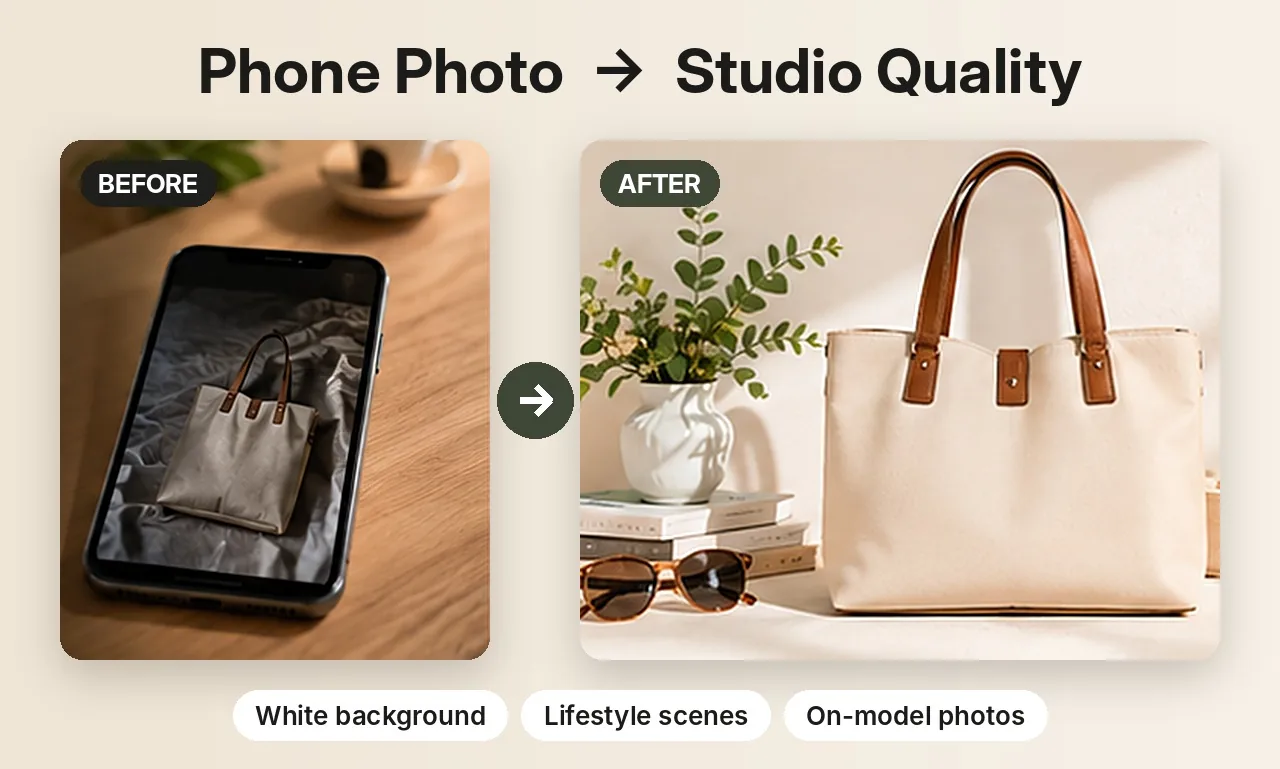
What makes a good eBay gallery photo
Your first photo is the thumbnail buyers see in search results, next to dozens of similar listings. A plain, bright background with the item filling most of the frame looks trustworthy and makes the item easy to recognise at a glance. eBay publishes its own photo requirements, including a minimum image size and rules about borders, text and watermarks, so check the current guidelines before you upload.
White background in one step
Background Swap cuts out your item and places it on pure white, or any colour you choose, with a soft shadow underneath. Because the item itself isn't redrawn, it suits listings where buyers need to see exactly what they're getting, such as used or collectible items. The images come out at 1024 × 1024 pixels.
Studio and lifestyle shots for the rest of the gallery
eBay lets you add several photos per listing. Use them to show the item in context: a sneaker on a concrete step at golden hour, a handbag on a marble countertop, or a jacket on a hanger against a plaster wall. Product Photos creates these scenes around your item from the same upload. Review each one, since AI scenes redraw the product and small details can shift.
Built for what eBay sellers list
- Clothing: t-shirts, shirts, jeans and jackets, including ghost mannequin and on-model shots.
- Footwear: studio, podium and on-feet shots.
- Accessories and home goods: bags, mugs, bottles and more.
- Jewelry: macro shots on white or black velvet, and on-model shots.
Shooting tips for sharper results
- Photograph one item at a time, in daylight, on a plain surface.
- Get the whole item in the frame with a little space around it.
- For used items, add your own close-ups of wear, labels and serial numbers so buyers can see the real condition.
Selling jewelry? See AI jewelry product photos for on-model and white background shots of rings, earrings and necklaces. Related guides: white background product photos and resale clothing photos.
Try it on your own product
Upload one phone photo and get HD product photos in seconds. Try it without an account, then sign up free for 3 HD photos every day.
Try it freeQuestions
Can I make white background photos for eBay for free?
Yes. You can try it without an account, and a free account gets 3 HD photos every day without a watermark. Credit packs are there if you need more.
Will the item look exactly the same?
With Background Swap, yes: only the background changes and your item stays pixel-for-pixel the same. AI scenes redraw the item, so check the details before listing.
What size are the photos?
Background Swap images are 1024 × 1024 pixels. Product Photos can be square (1024 × 1024) or portrait (1024 × 1280). Check eBay's current image requirements for your category.