Earrings on a model, from one phone photo
Show buyers how your earrings look when worn, without booking a model or a photographer.
Try it free, no signup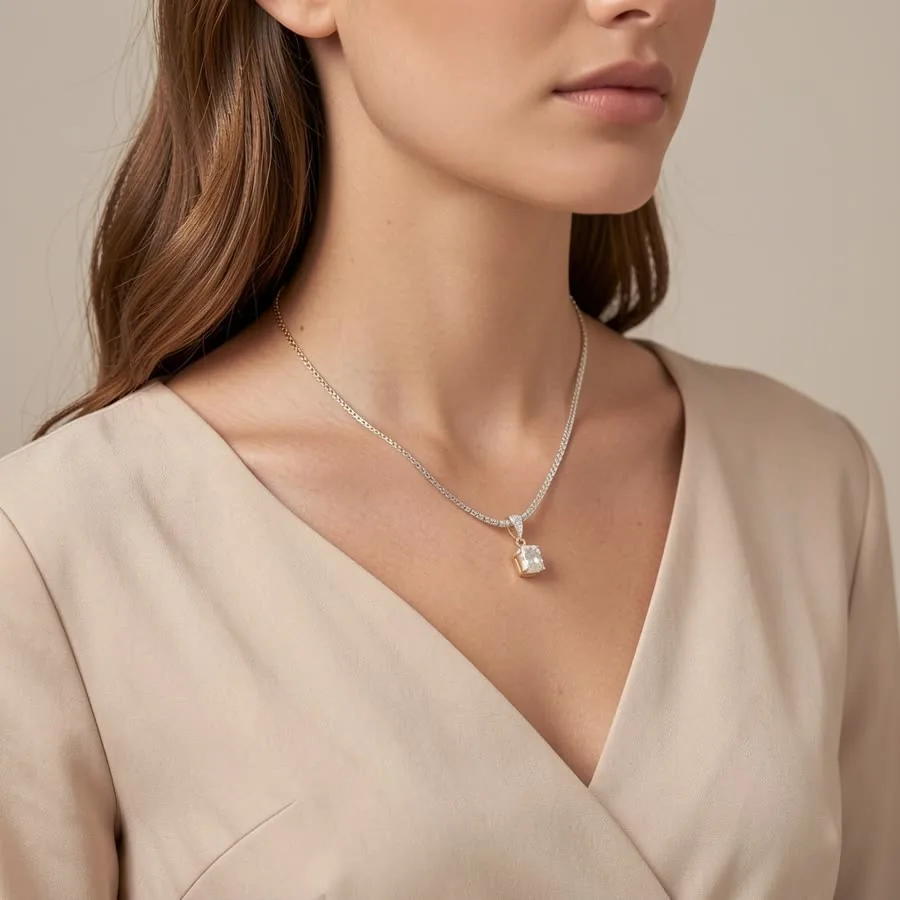
Why earrings sell better on an ear
Earrings look tiny in a flat photo. On a white background, a stud and a statement drop can seem almost the same size. An on-model photo answers the questions buyers actually have: how big are they, how far do they hang, and how do they catch the light next to a face.
How to get an on-ear photo
- Photograph your earrings. Place the pair side by side on a plain light surface in soft daylight and take a sharp, close photo.
- Choose the Jewelry category and pick the "On the ear" shot. Add "Lifestyle close-up" for a softer, natural-light version.
- Create and download square or portrait images, and regenerate any shot you want to try again.
Styles for studs, hoops and drops
The on-ear shot is a close crop of the ear and jawline on a soft, plain background, which keeps the focus on the earring. For product-only photos, use Macro on white for a clean marketplace image, Macro on black velvet to make metal and stones sparkle, or Jewelry stand for a boutique display. You can also describe your own scene in a few words.
Describe the piece for a closer match
Add a short description such as "gold huggie hoops with small crystals" or "sterling silver threader earrings". Naming the metal, the stones and the shape helps the AI keep your design. Very fine details like tiny settings or engraved patterns can shift slightly, so compare the result with your real earrings before you list them.
Where to use the photos
Use an on-ear photo as the second image in your Etsy or Shopify listing, right after a clean packshot. On Instagram, a close-up on a model stops the scroll better than a flat photo. For marketplaces that want a plain main image, keep a Macro on white shot first.
Selling jewelry? See AI jewelry product photos for on-model and white background shots of rings, earrings and necklaces. Related guides: necklaces on a model and Etsy product photos.
Try it on your own product
Upload one phone photo and get HD product photos in seconds. Try it without an account, then sign up free for 3 HD photos every day.
Try it freeQuestions
Will my earrings appear on a real-looking ear?
Yes. Choose the Jewelry category and the On the ear shot, and ShotKart shows your earrings worn by an AI model in a close crop of the ear and jawline. The models are generated, so you don't need model releases.
Does it work for both studs and hoops?
Yes. Studs, hoops, huggies and drops all work. Describe the style and metal for the closest match, and check fine details before listing.
What photo of my earrings should I upload?
A sharp, close photo of the pair side by side, taken in soft daylight on a plain light surface. Avoid flash and busy backgrounds.